– up to v19 XML creation only; from v20 via an Odoo server, without a certificate of your own
✓ directly via the ERiC interface, with your own certificate
Corrected return, special prepayment, permanent extension
– not included
✓ included
Recapitulative statement
– CSV export only
✓ XML export and direct submission
E-Bilanz and disclosure
– not included
✓ via eBilanz+
Also included: Test submissions flagged as test cases, transmission logs stored in Odoo, with status tracking. Plus the eBilanz+ interface: submit the E-Bilanz or publish it in the company register.
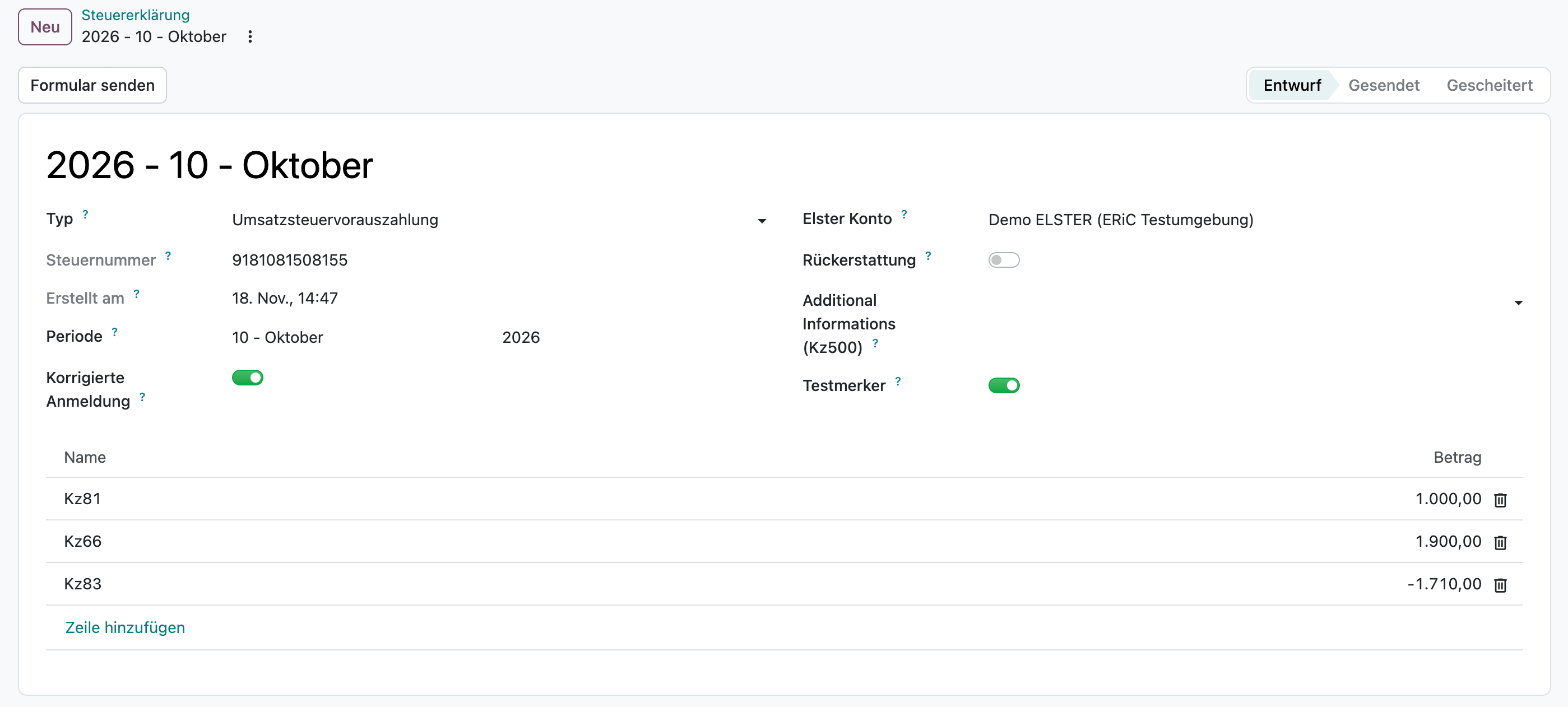
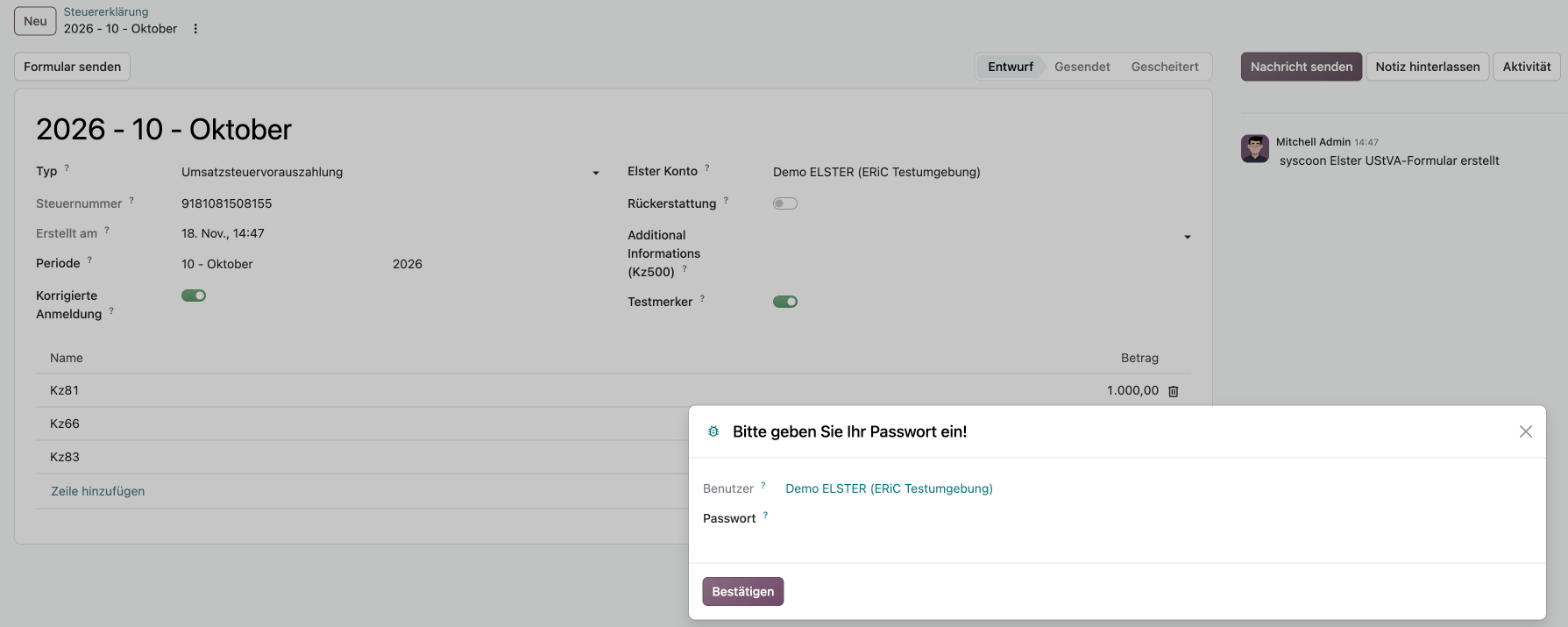
Corrected VAT return: if a period is taken over from the tax report a second time, the syscoon ELSTER module marks the return as corrected automatically. With the test flag it goes to ELSTER as a test case.Filing with your own ELSTER certificate: Odoo asks for the password before every submission, and the return goes straight to the tax office through the ERiC interface.